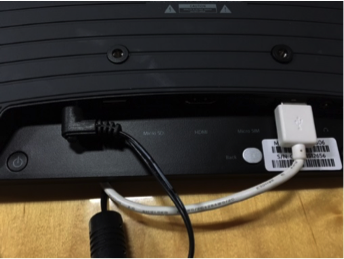
Start by inserting the USB flash drive into the tablet on the back.
A) Copy the files from the USB
- Press the back button (back of tablet, center)
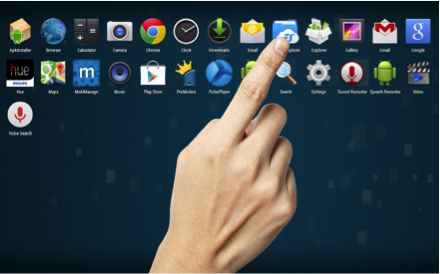
- Tap “ES File Explorer”

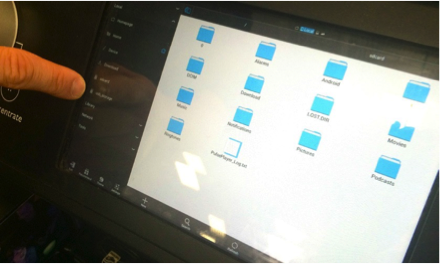
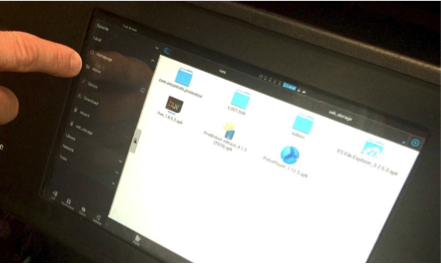
- Tap on [usb_storage] on left hand menu, under the “Local” heading
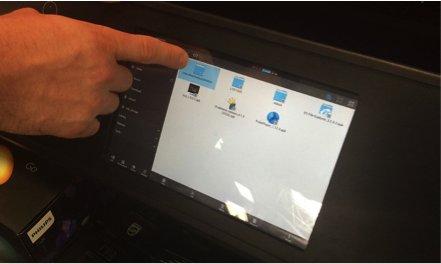
- Press and hold on the folder icon [com.promotion.oncontrols] to highlight the folder
- Select [Copy] on the bottom menu bar
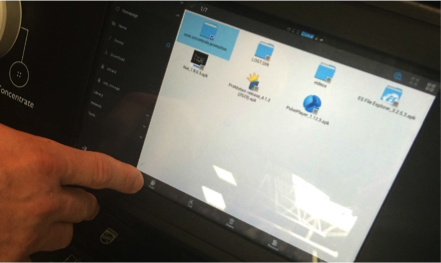
- Tap on [Home] on the left menu
- Tap on [Android] folder icon
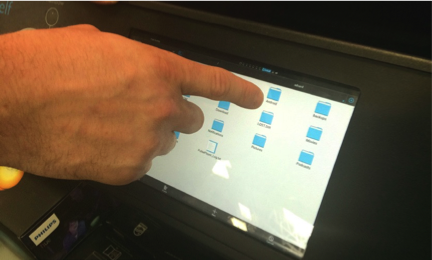
- Tap on [Data] folder icon
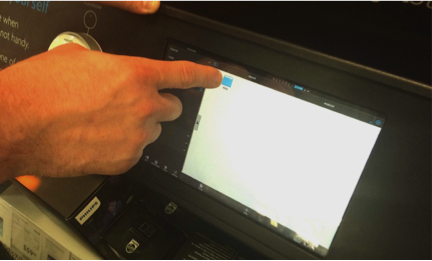
- Tap [Paste] from the bottom menu
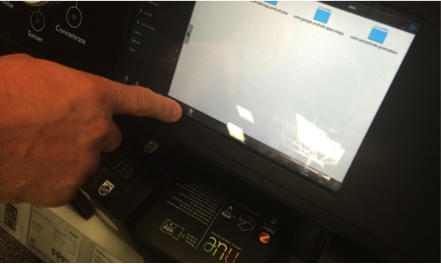
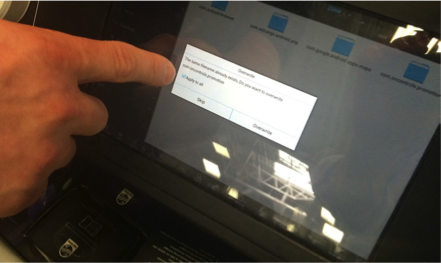
- If you get a modal window with the option to overwrite, tick the checkbox that says “Apply to all” and select [Overwrite]
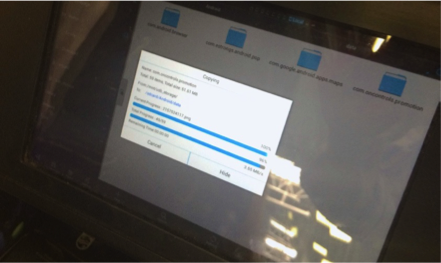
- As files are copying over, progress bars will be displayed. Watch the progress bars to see when the files have completed copying over.
Comments